
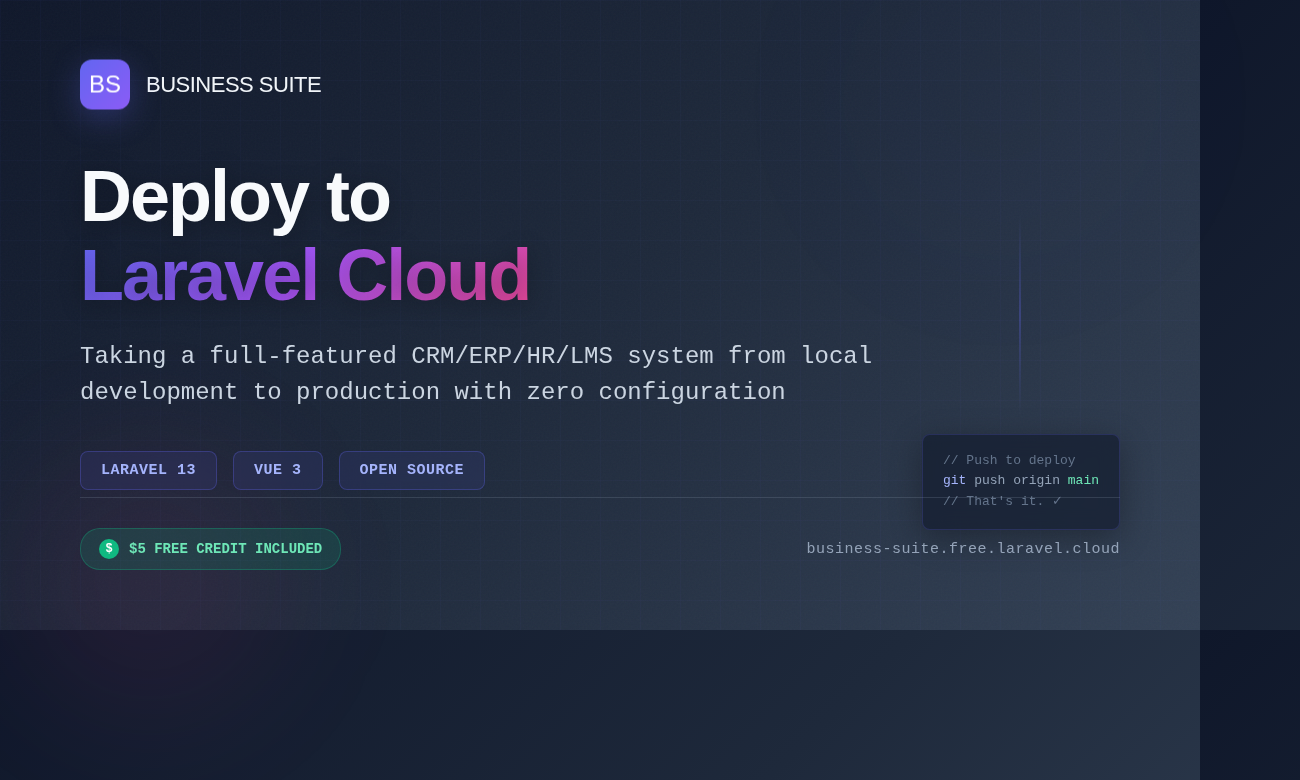
I’ve spent the last several months building Business Suite, a comprehensive CRM/ERP/HR/LMS system built with Laravel 13 and Vue 3. The project has grown into something I’m genuinely proud of, covering everything from lead management and sales pipelines to employee records and learning management. But having all this functionality sitting on my local machine wasn’t particularly useful for anyone else.
Enter Laravel Cloud.
Getting Started with Laravel Cloud
If you’re not familiar with it, Laravel Cloud is designed to make deploying Laravel applications ridiculously simple. No messing about with server configuration, no wrestling with deployment scripts. Just connect your repository and let the platform handle the rest.
The best part? They give you $5 in free credit to get started. It’s more than enough to deploy a project and see how it performs in a real environment without pulling out your credit card.
Why I Chose Laravel Cloud
I’ve deployed Laravel applications before using various methods. DigitalOcean droplets, shared hosting, even AWS when I was feeling particularly masochistic. Each approach had its quirks and required a fair amount of configuration.
Laravel Cloud appealed to me for a few reasons:
It’s Built for Laravel – The platform understands Laravel’s structure, requirements, and best practices. No need to explain that storage and bootstrap/cache need write permissions or that I need queue workers running.
Zero Configuration Deployments – Push to GitHub, and the deployment happens automatically. No SSH-ing into servers, no manual composer install commands, no service restarts.
Modern Infrastructure – The platform handles SSL certificates, database backups, queue workers, and scheduled tasks out of the box. Things that would normally require separate configuration are just… there.
The Deployment Process
Setting up Business Suite on Laravel Cloud was straightforward:
- I pushed my repository to GitHub (it was already there, so this step was done)
- Connected the repository in Laravel Cloud’s dashboard
- Configured environment variables through the UI
- Hit deploy
The whole process took about 15 minutes, most of which was me double-checking environment variables. The platform automatically detected my Laravel 13 application, set up the database, configured the queue workers, and generated SSL certificates.
What’s Running on My Instance
Business Suite is quite a substantial application. It includes:
CRM Functionality – Lead management, deal pipelines, contact databases, activity logging, and task assignment. Everything you need to track customer relationships and sales processes.
ERP Features – Project management, invoicing and billing, workflow automation, and comprehensive reporting dashboards.
HR Management – Employee records, attendance tracking, leave management, performance reviews, recruitment pipelines, and document storage with compliance tracking.
Learning Management – Course creation and management, progress tracking, assessments and quizzes, certifications, and learning analytics.
The system uses a sophisticated role-based access control system with over 50 predefined roles and 300+ granular permissions. It’s built with team-based multi-tenancy, so different departments can work within the same application whilst maintaining data isolation.
Performance and Reliability
I’ve been running Business Suite on Laravel Cloud for a few weeks now, and the performance has been solid. The application handles the complex permission checks, multiple database relationships, and Vue 3 components without any noticeable lag.
The queue system works reliably for background jobs like sending notifications and processing bulk updates. Database backups happen automatically, which is one less thing I need to worry about.
The $5 Free Credit
That $5 credit is genuinely useful. It gave me enough runway to deploy the application, test it properly, and evaluate whether Laravel Cloud was the right fit for this project. No commitment, no pressure to immediately start paying.
For a side project or proof of concept, that free credit could easily cover a month or more of hosting, depending on your resource usage. For Business Suite, which is fairly resource-intensive due to its comprehensive feature set, it gave me several days of proper testing.
Check It Out
If you’re interested in seeing Business Suite in action, I’ve deployed it at https://business-suite.free.laravel.cloud/. The source code is available on GitHub if you want to poke around the implementation.
The project is open source, and I’m always happy to receive feedback or contributions. Whether you’re interested in the Laravel backend architecture, the Vue 3 frontend implementation, or just want to see how a full-featured business management system is structured, feel free to explore.
Final Thoughts
Laravel Cloud has made deploying this project significantly easier than my previous deployment experiences. The platform abstracts away the infrastructure complexity whilst still giving you control when you need it.
For Laravel developers who want to focus on building their applications rather than managing servers, it’s worth exploring. And with that $5 free credit, there’s no reason not to give it a try.
If you’re working on a Laravel project and deployment has been sitting in your “I’ll sort that out later” pile, Laravel Cloud might be exactly what you need to actually get it live.
Business Suite is built with Laravel 13, Vue 3, and MySQL. The project demonstrates modern Laravel development practices including service-oriented architecture, comprehensive testing with Pest, and a modular frontend structure. If you find the project useful, consider sponsoring it on GitHub to support continued development.